
Register for a TAIS Workshop online
TAIS Members can register for workshops online through AMS. Below is a step-by-step guide to walk you through the process.

workshop registration guide
To register for a workshop:
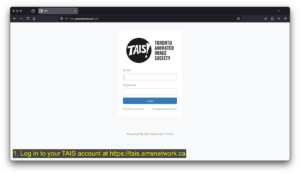
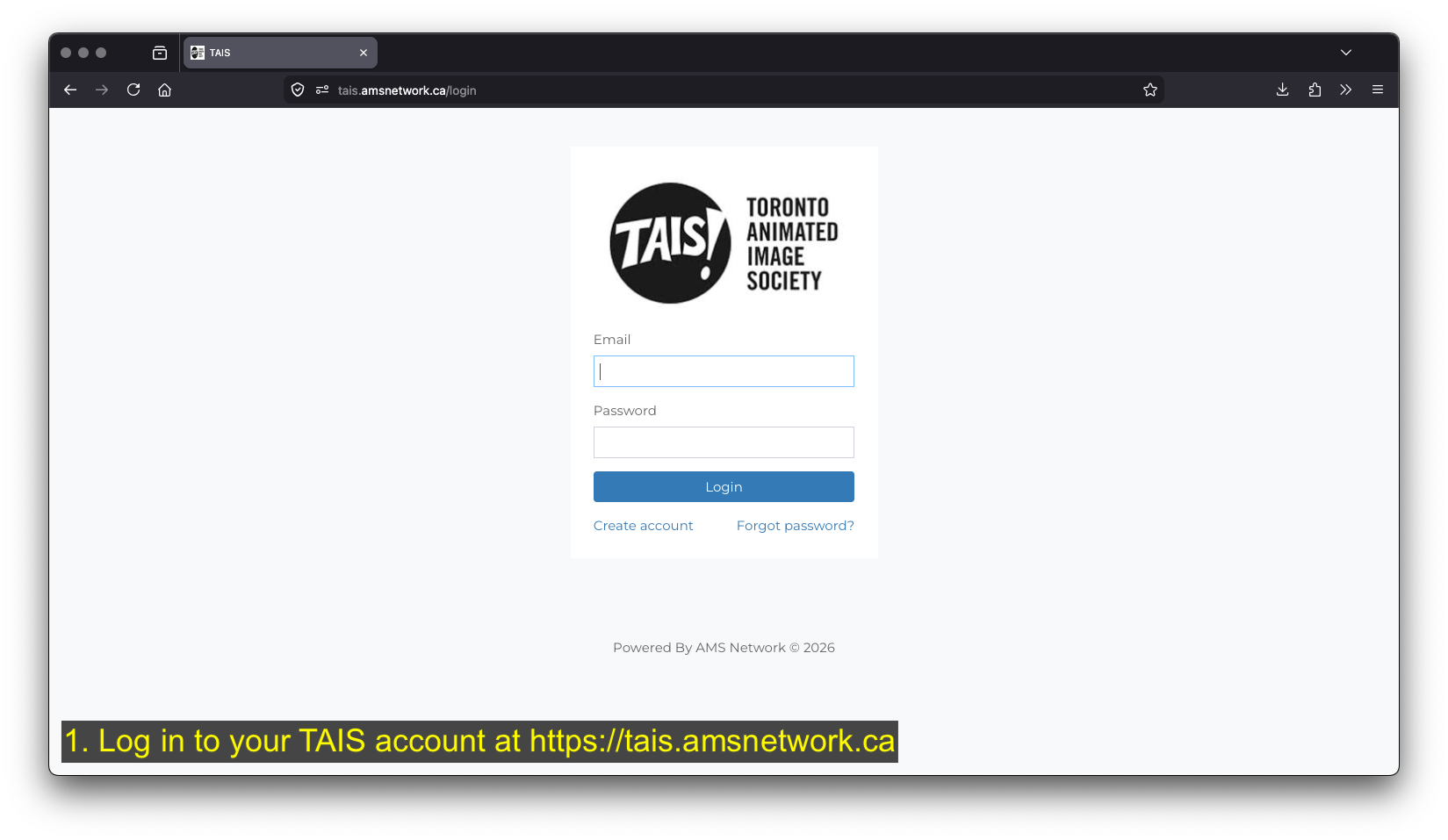
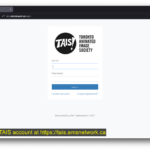
- Log in to your TAIS account at tais.amsnetwork.ca
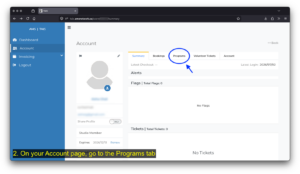
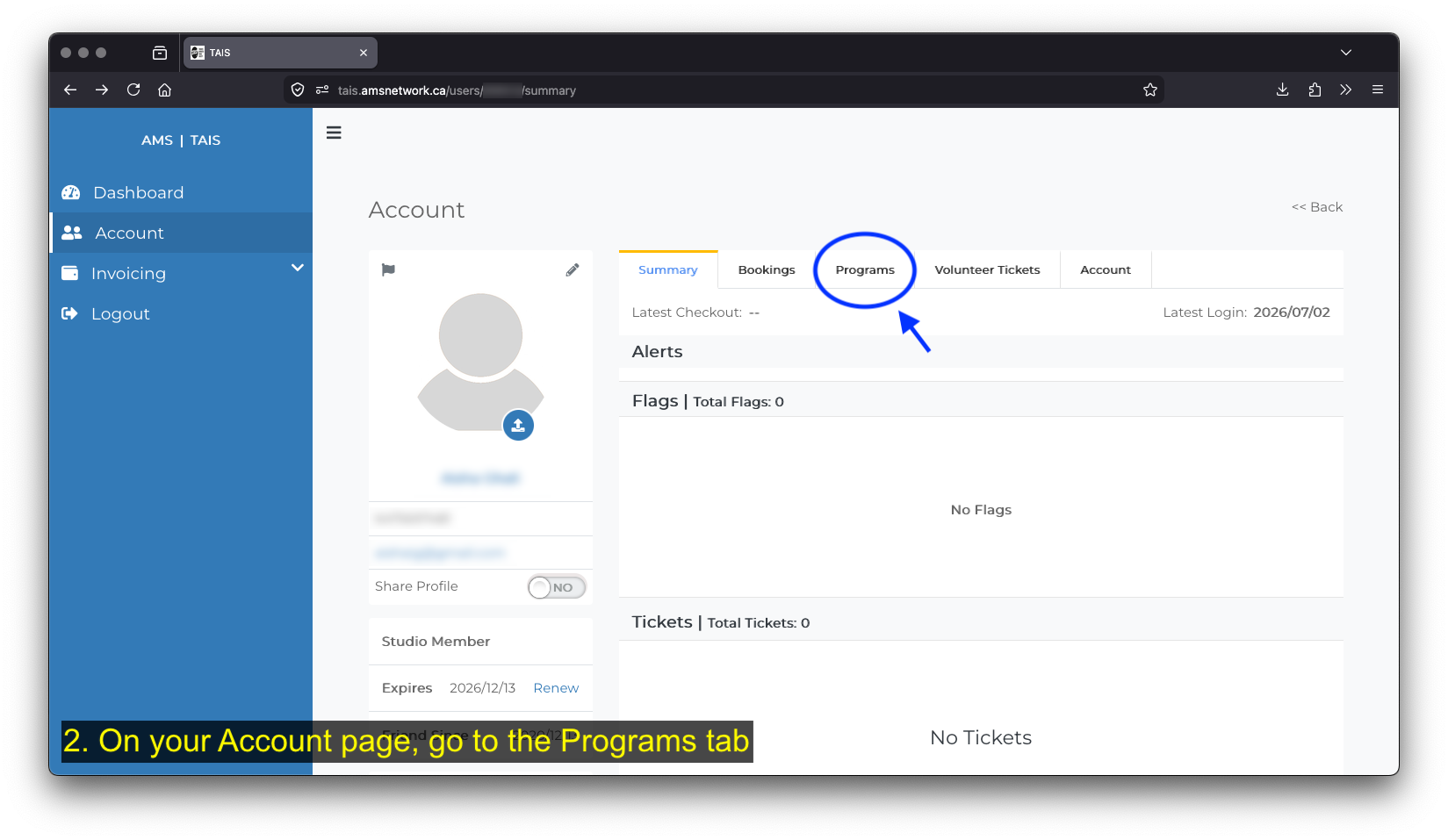
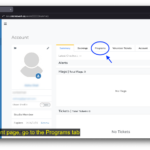
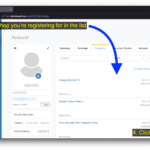
- On your Account page, go to the Programs tab
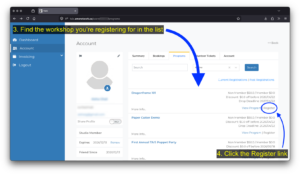
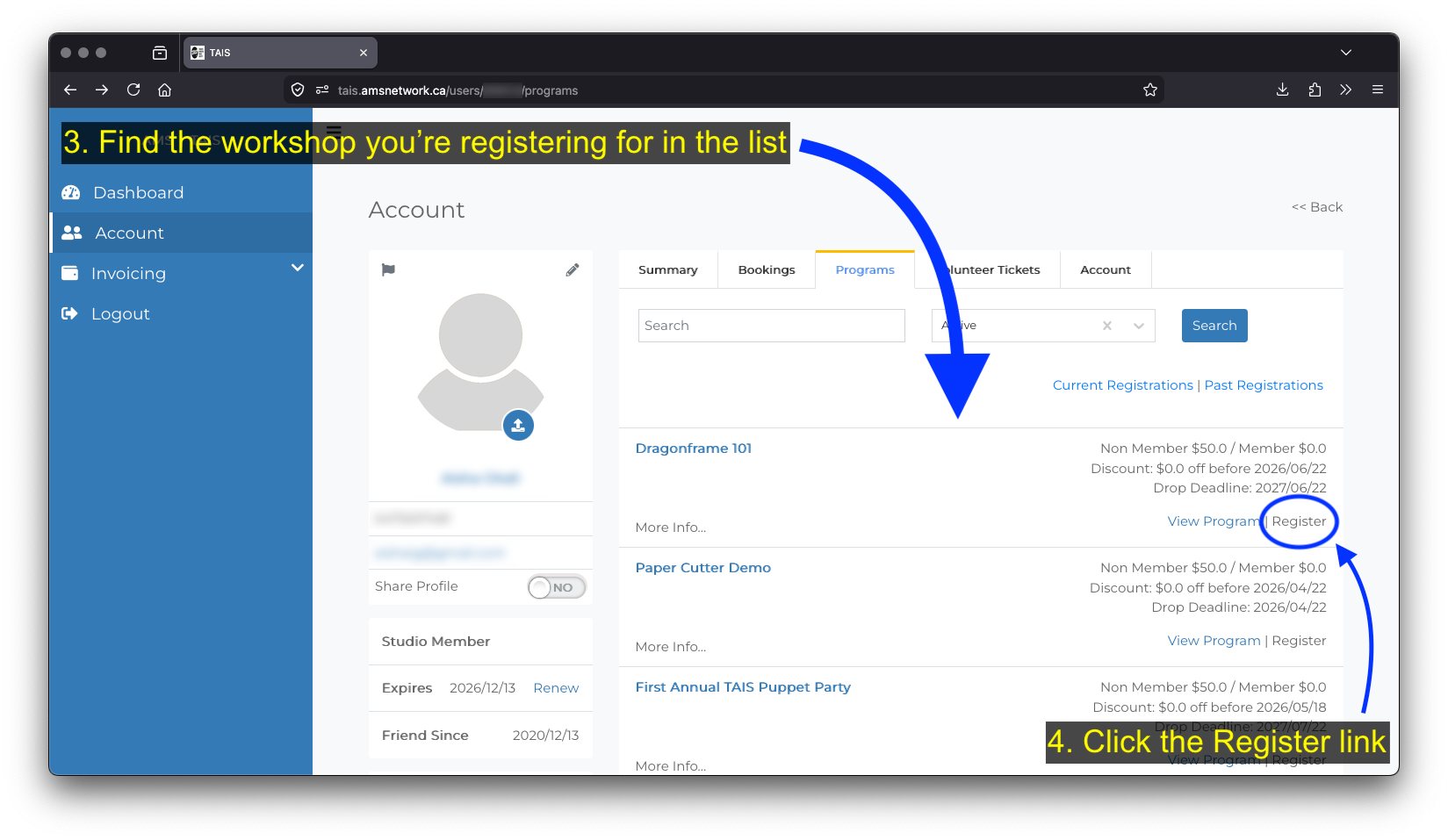
- Find the workshop you’re registering for in the list
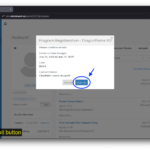
- Click the Register link
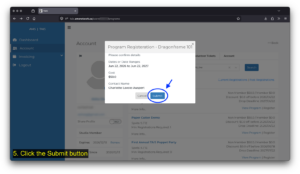
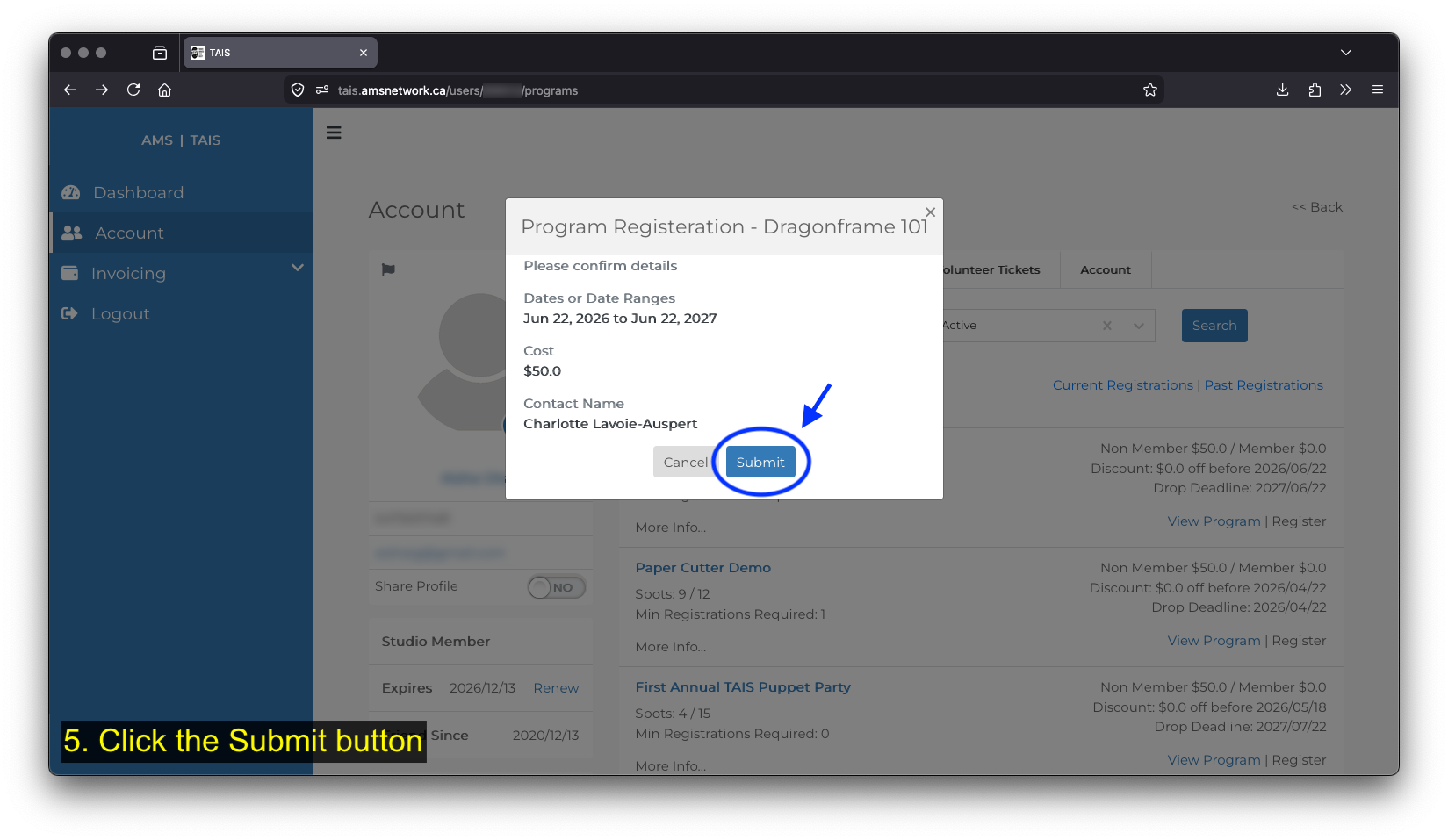
- Click the Submit button
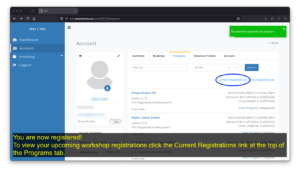
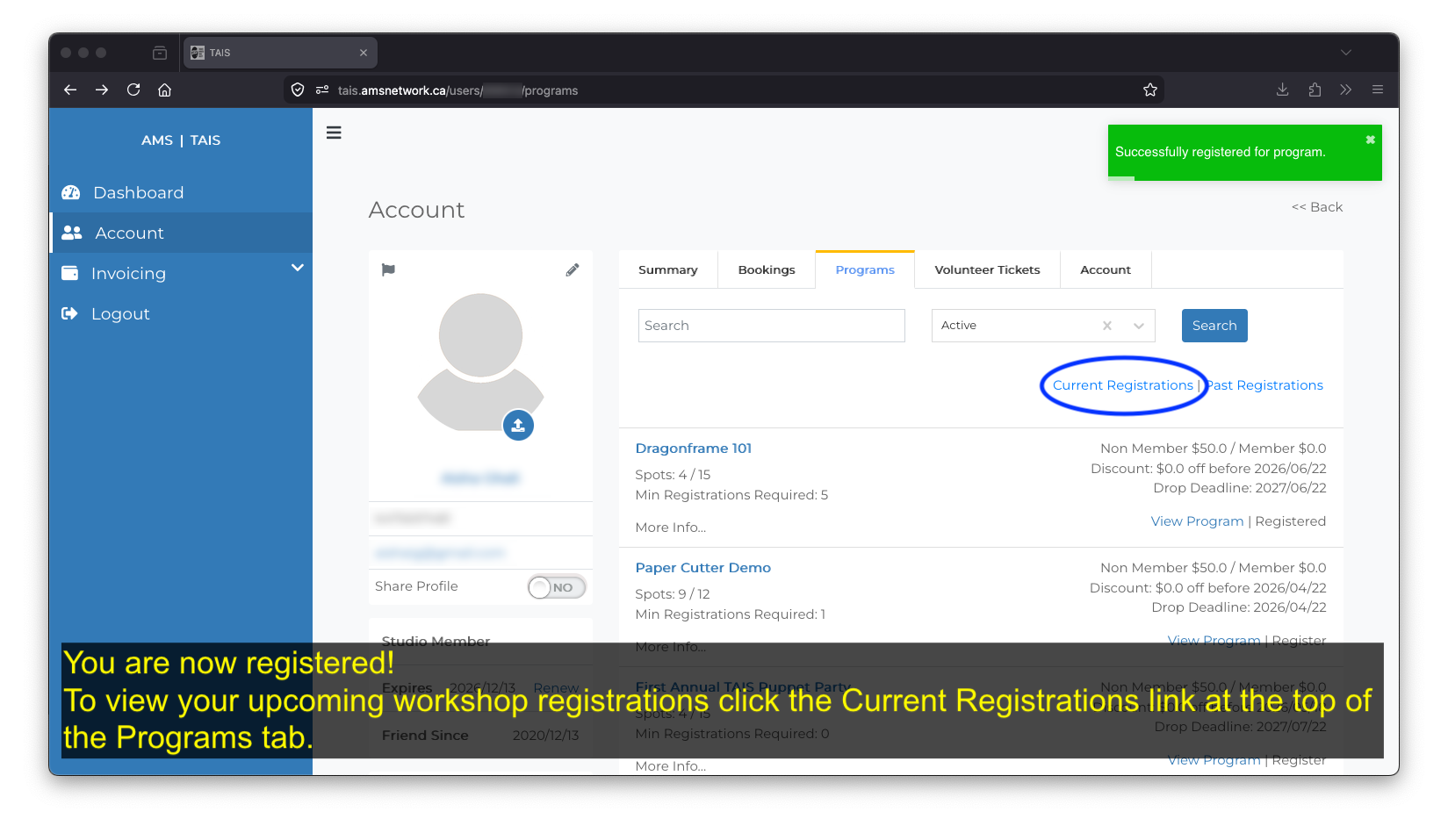
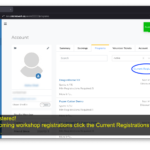
You are now registered!
To view your upcoming workshop registrations click the Current Registrations link at the top of the Programs tab.
TAIS Members get free workshops.
online fee payment guide
To pay a workshop registration fee online follow these steps:
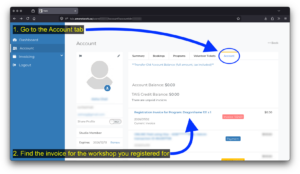
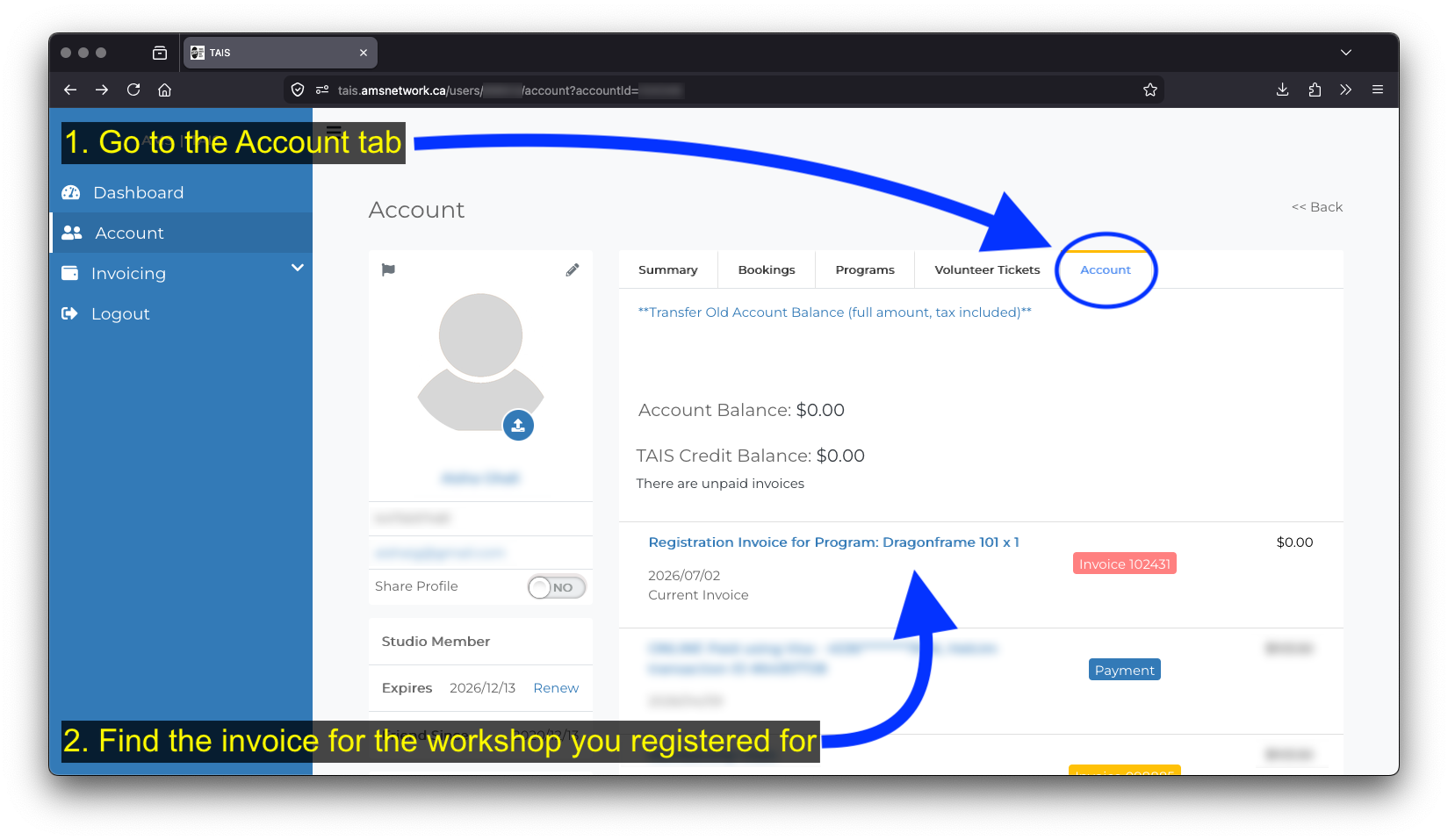
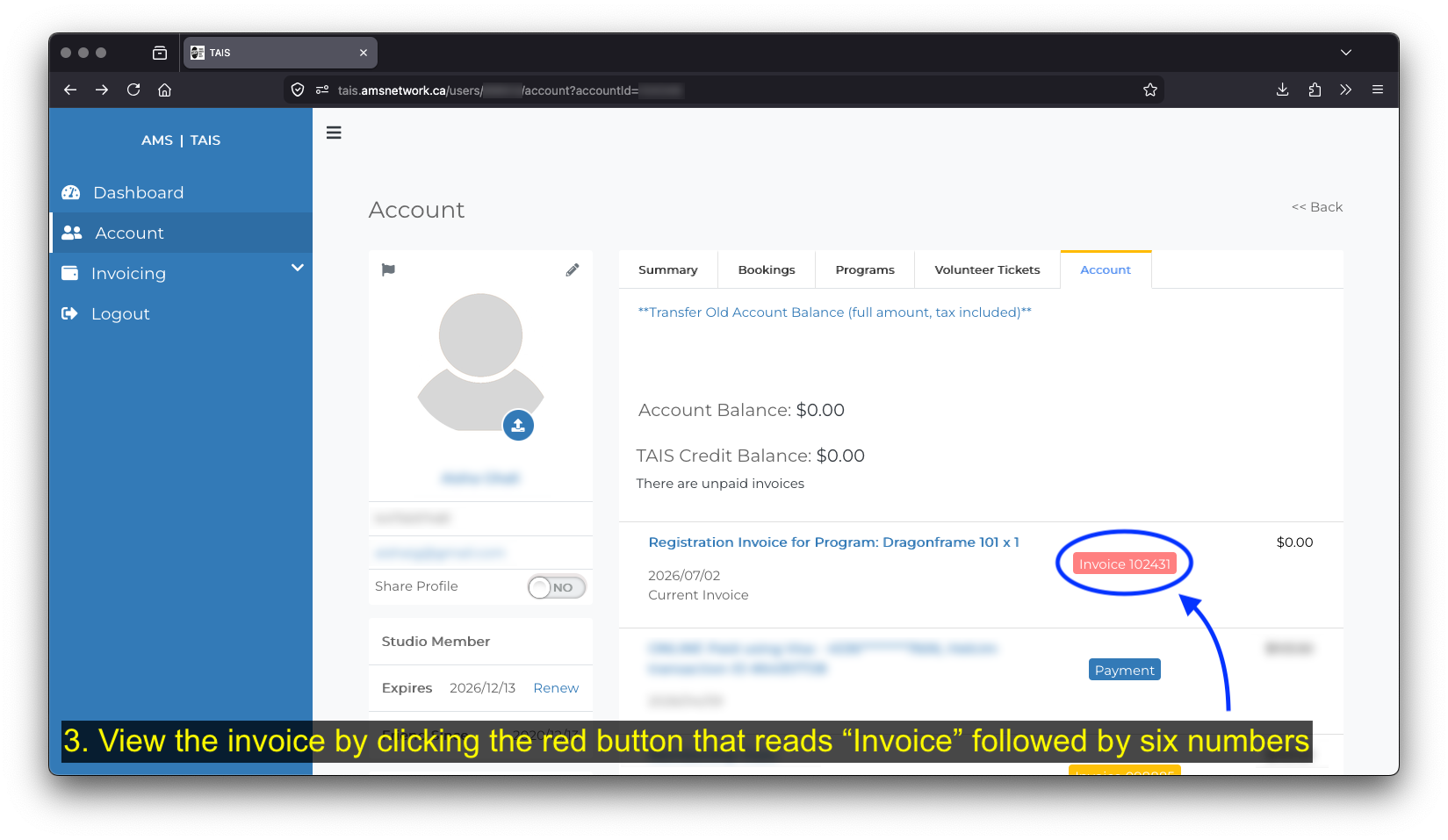
- Go to the Account tab
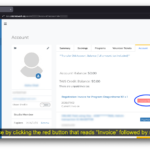
- Find the invoice for the workshop you registered for
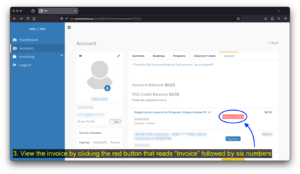
- View the invoice by clicking the red button that reads “Invoice” followed by six numbers
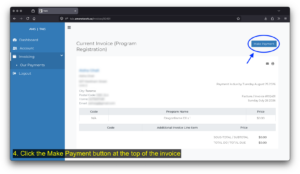
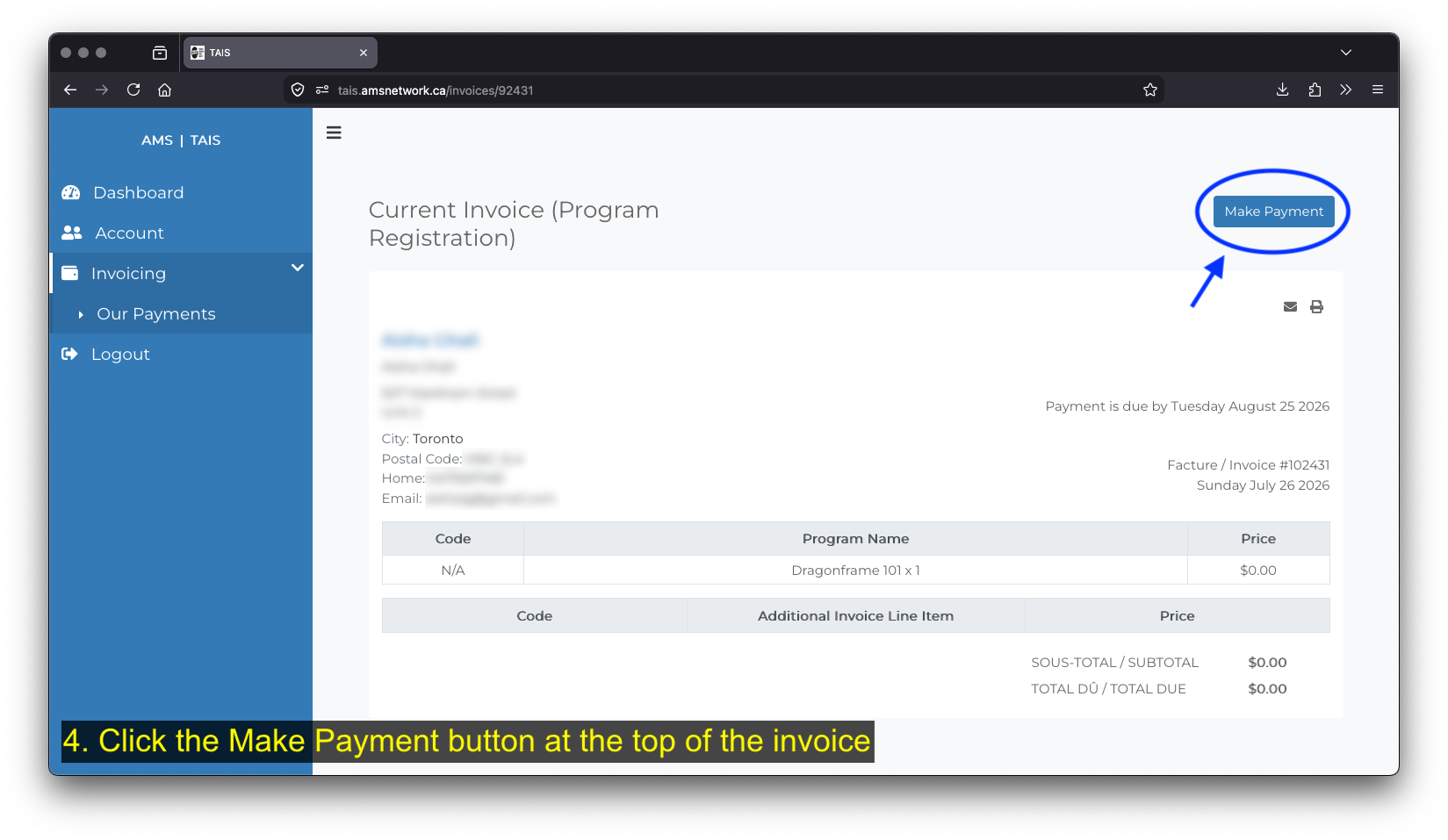
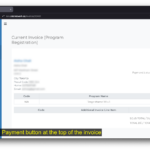
- Click the Make Payment button at the top of the invoice
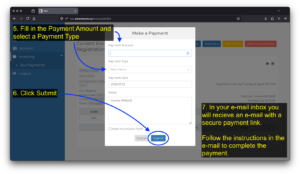
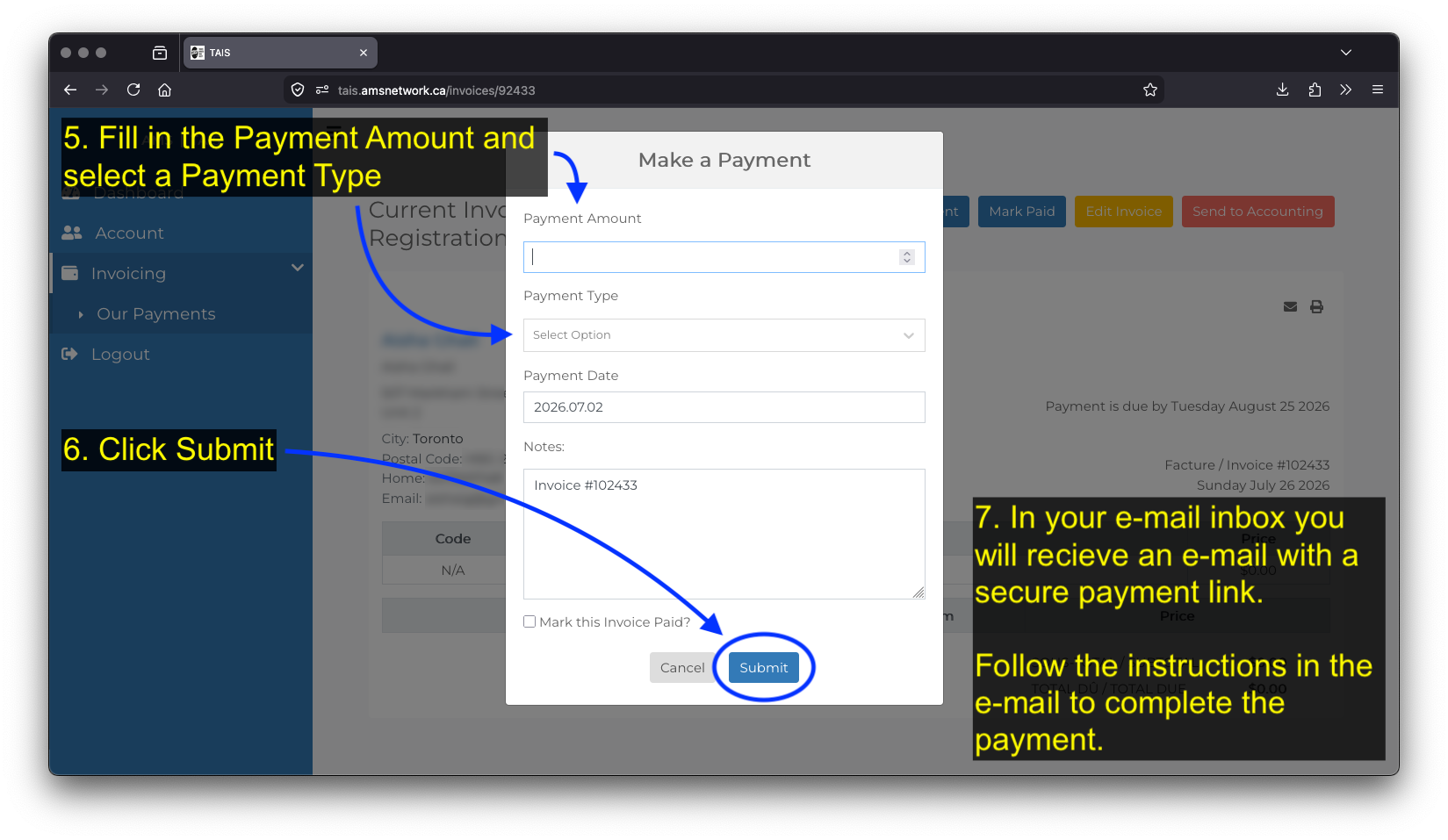
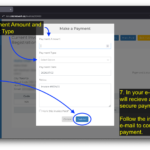
- In the Make a Payment window, fill in the Payment Amount and select a Payment Type
- Click Submit
- In your e-mail inbox you will recieve an e-mail with a secure payment link. Follow the instructions in the e-mail to complete the payment
Contact info@tais.ca for help with creating a TAIS AMS account, the workshop registration process and to arrange alternative payment methods.
In 2021 TAIS became a Development Partner of Arts Management System (AMS), a web-based platform for member-based artist centres designed by the Film and Video Arts Society of Alberta. We use it to store member information, keep track of studio and equipment rentals and facilitate workshop bookings.
Members can use to the platform to manage all the things you do at TAIS (your membership, rentals, classes, and more) all in one convenient spot.
Visit the AMS website for more information ↗︎